

Significant improvement thanks to the construction documentation update for the construction diary, logging, defect tracking and plan management.
The following innovations are also included in this pdf document summarized.
Summary of the innovations
1. digital construction diary & resource management
With the construction documentation update, numerous suggestions from users have been implemented to make the software more flexible in mapping real construction site scenarios:
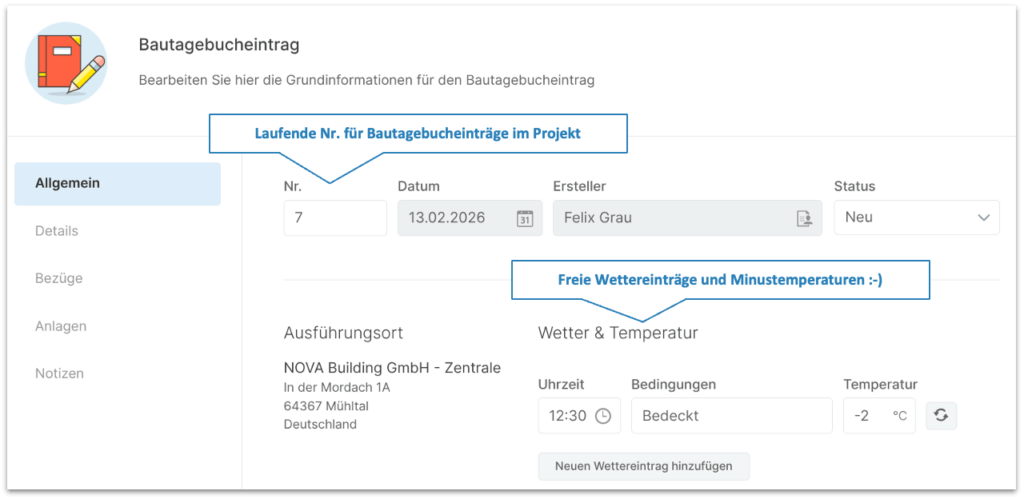
- Weather documentation: The input mask now allows free weather entries and explicitly supports the recording of sub-zero temperatures (e.g. -2 °C).
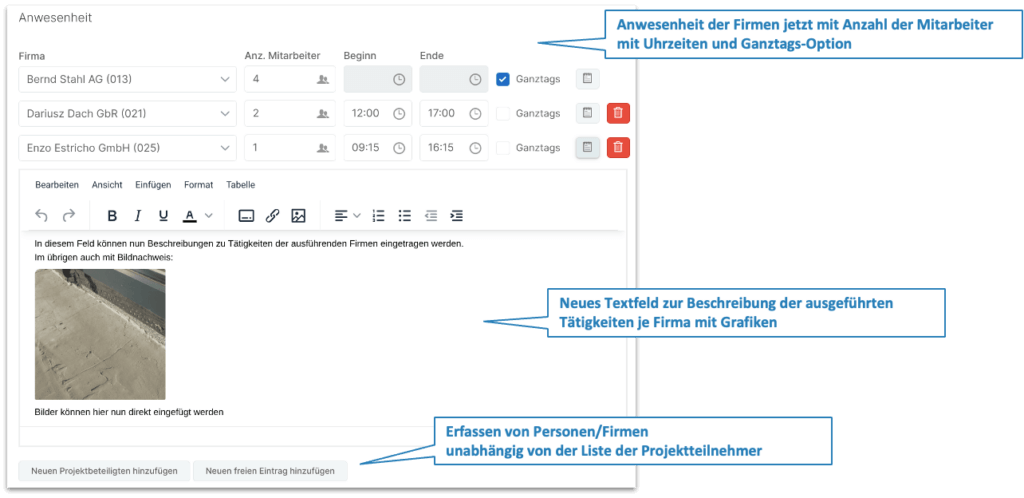
- Personnel recording: The presence of companies is documented in detail with the number of employees, times or a flat-rate “all-day option”.
- Flexibility: Project participants can now be entered independently of predefined lists.
2. visual documentation and image management
In the construction documentation update, the integration of picture credits has been optimized for a smoother workflow:
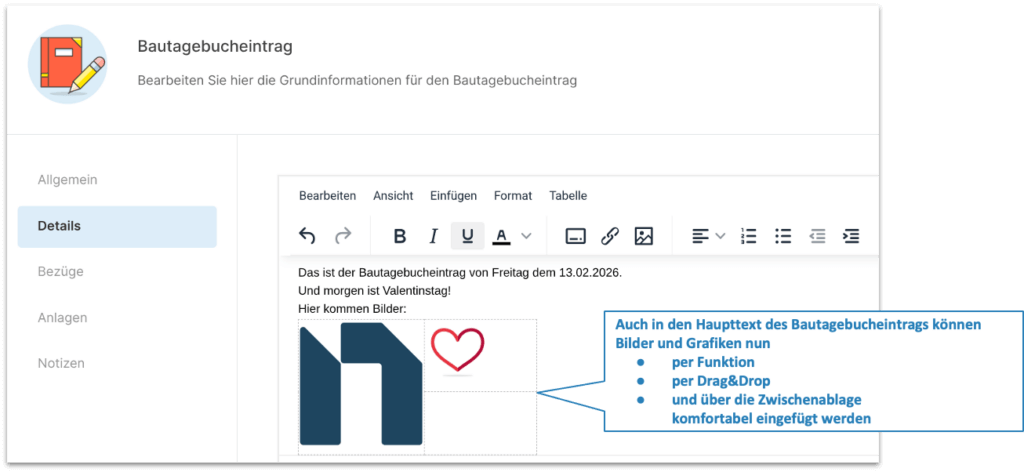
- Multimedia editor: Images can be integrated directly into the job descriptions or the main text using drag & drop, clipboard or function.
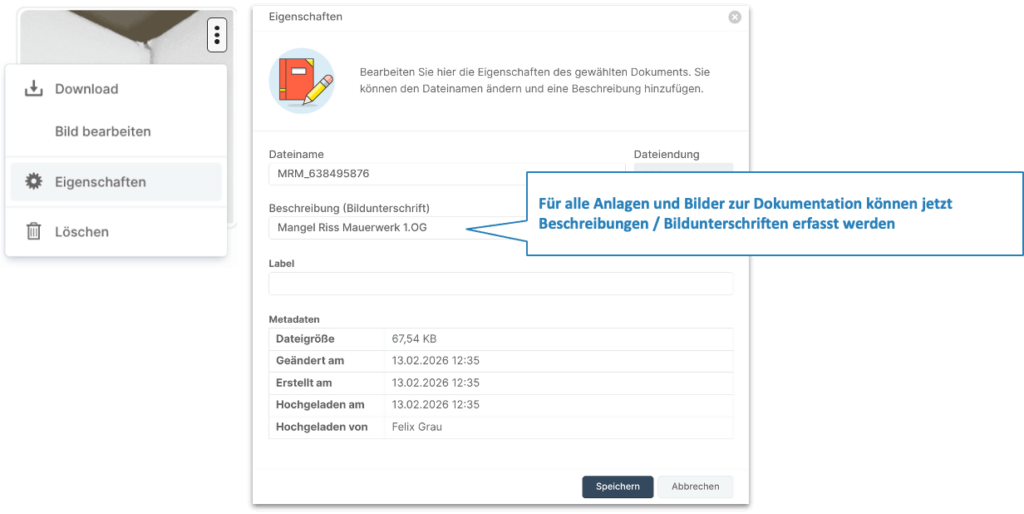
- Contextualization: Each image and each attachment can be provided with a specific caption or description (e.g. to describe defects).
- Metadata: The file properties automatically record timestamps and the creator (e.g. Felix Grau).
3. structured protocol system (“Jour Fixe”)
With the construction documentation update, minutes management has been expanded into a comprehensive management tool for jour fixe meetings:
- Jour Fixe: Minutes are grouped according to types such as “Planner Jour Fixe” (PJF) or “Site Manager Meeting” (BR).
- Continuity: “Endless minutes” can be created that automatically take over unfinished points from the previous session.
- Task tracking: Entries can be classified as tasks or information, assigned to responsible persons and provided with a completion status and color markers.
4. plan management and defect tracking
The technical basis for processing construction plans has been strengthened with the construction documentation update:
- Performance: The import of large-format PDF documents and images has been significantly accelerated.
- 2D localization: The plans serve as a precise basis for the exact positioning of tickets for defect tracking.
Updates in detail
Extended functions in the construction diary – General
All entries in the construction diary are now numbered consecutively. Free entries are now possible under Weather & Temperature, as are minus temperatures.
Extended functions in the construction diary – Companies
The number of employees with attendance times (start, end) can now be entered under Company attendance. It is also possible to activate “All day” there.
The activities carried out by each company can be described in a new text field. Graphics can also be integrated there.
In addition, “Add new free entry” can also be used to enter persons or companies that are not included in the list of project participants.
Extended functions in the construction diary – images/graphics
With the construction documentation update, images and graphics can now also be inserted into the main text of the construction diary entry, namely
- per function
- via drag & drop
- and via the clipboard.
Extended functions in the construction diary – Captions
Descriptions and captions can now be entered for all attachments and images for documentation.
Extended functions in the construction diary – Images in PDF
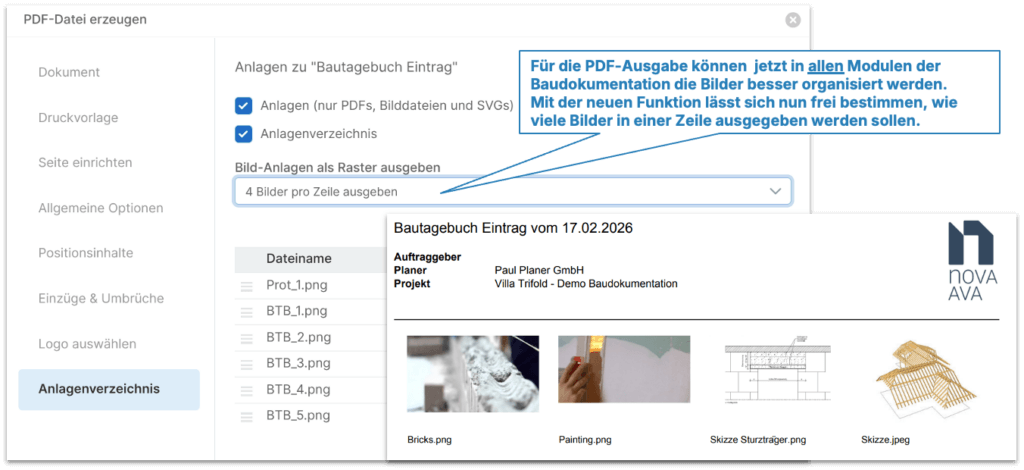
Images can now be better organized for PDF output in all modules of the construction documentation. With the new function, you can now freely determine how many images should be output in a line.
Extended functionality for meetings & minutes
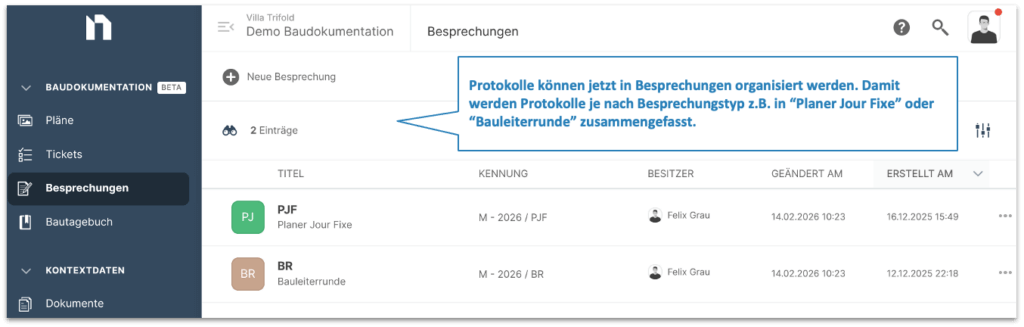
Minutes can now be organized in meetings. This means that minutes are summarized depending on the meeting type, e.g. in “Planner Jour Fixe” or “Site manager meeting”.
Extended functionality for protocols – participants
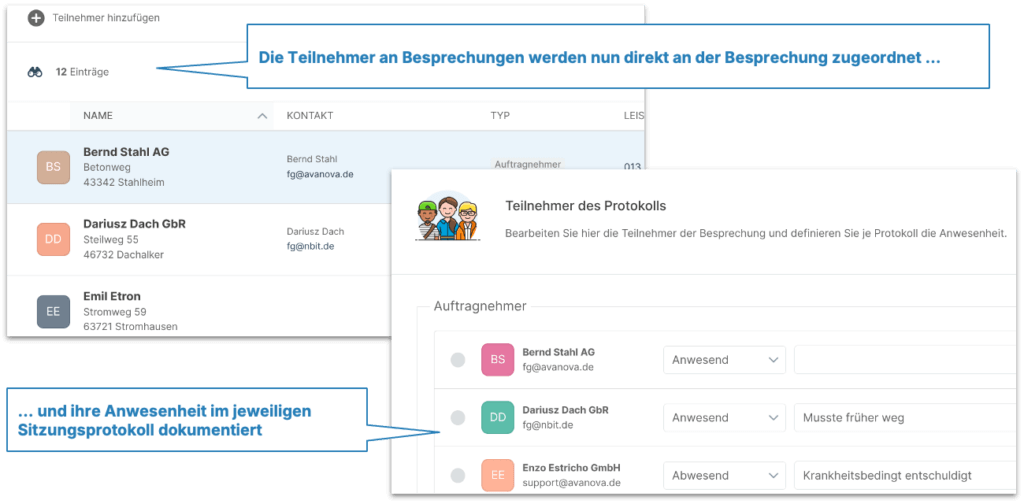
Meeting participants are now assigned directly to the meeting and their presence is documented in the respective meeting minutes.
Extended functionality for protocols – contents
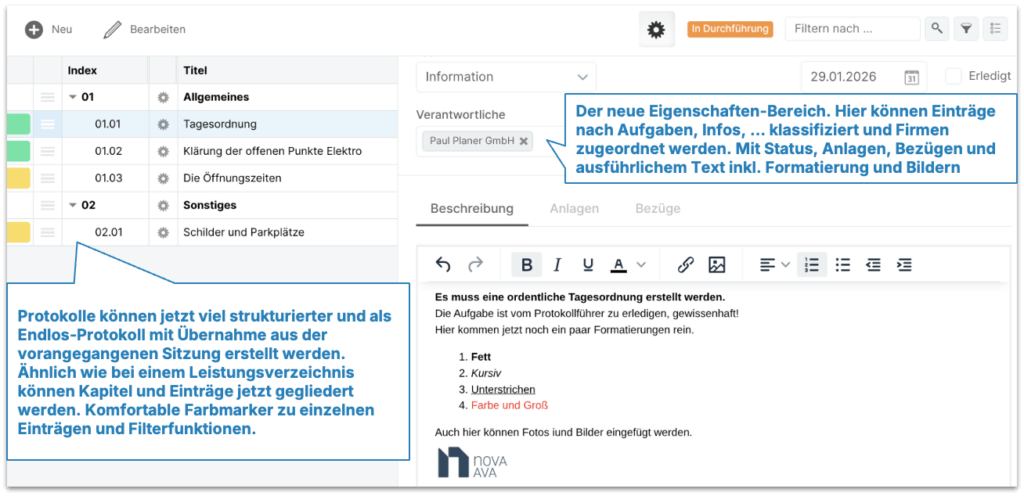
Minutes can now be created in a much more structured way and as endless minutes with transfer from the previous session. Similar to a Bill of Quantities, chapters and entries can now be organized. There are convenient color markers for individual entries and filter functions.
In the new properties area, entries can be classified according to tasks, information, … and assigned to companies. With status, attachments, references and detailed text including formatting and images
Extended functionality for tickets – PDF output
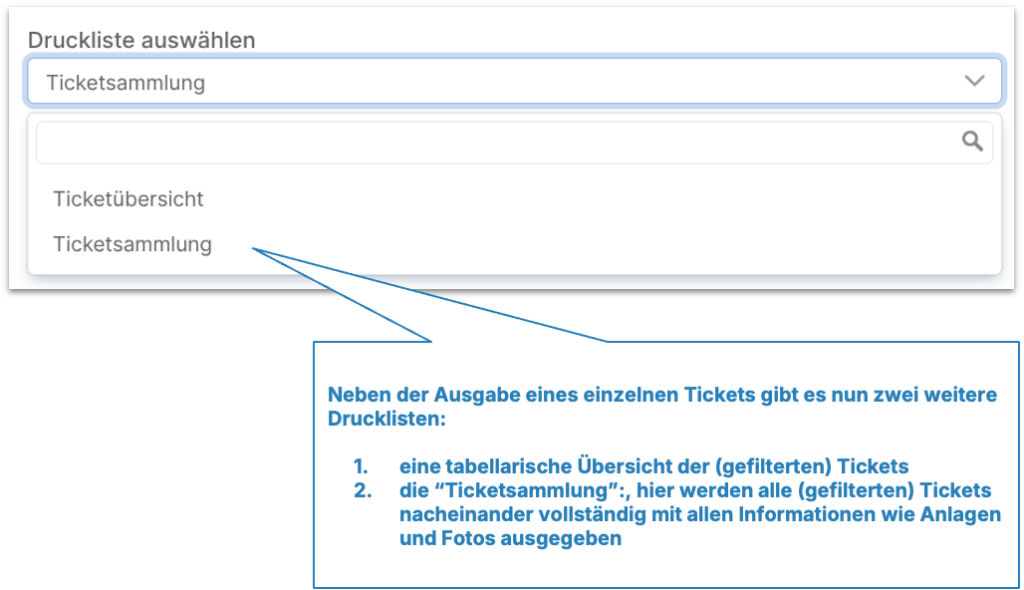
In addition to the output of a single ticket, there are now two other print lists:
- a tabular overview of the (filtered) tickets
- the “ticket collection”: all (filtered) tickets are displayed here one after the other, complete with all information such as attachments and photos
Plans – optimized import of PDF and images
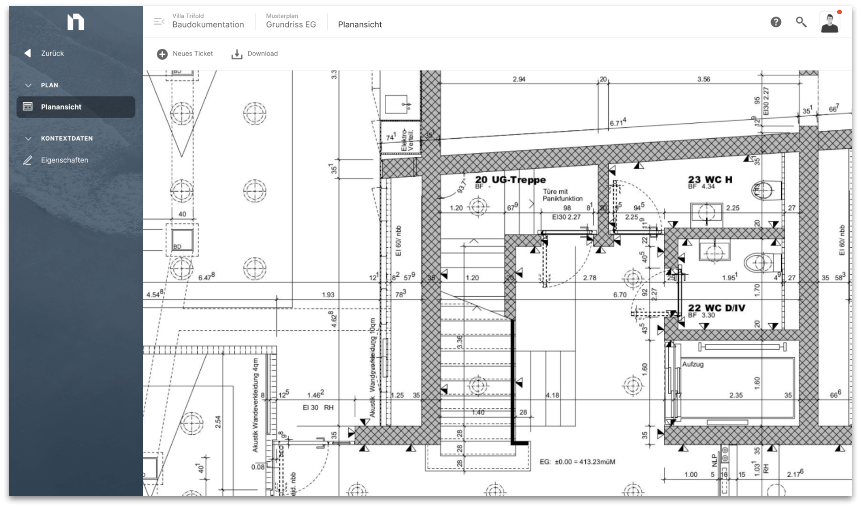
Plans are the basis for the 2D location of tickets for defect tracking. We have now further optimized and significantly accelerated the function for importing large PDF documents and image files.
Improvements must be made. And bugs out.
| Pictures/Photos | Image files as attachments to tickets/logs/building diary entries with capital letters in the file extension (*.JPG) are now also recognized as photos and not just as other file attachments. |
| Pictures/Photos | Images can be inserted via the clipboard into the details/description of tickets, logs and construction diary entries without affecting subsequent PDF output. |
| Pictures/Photos | Alignment information (portrait/landscape format) of inserted images in the long text/detail text or as attachments to items, tickets, logs, etc. are now processed correctly throughout. |
| Tickets | The status of tickets is now also available as a visible column in the order/addition and target/actual comparison modules in addition to the service/measurement module. |
| Tickets | Tickets with ticket location in large PDF plans no longer lead to unnecessary page breaks, even when printing tickets in landscape format. |